You're using AI in manual mode.
After 20 years in enterprise tech as a product manager for the AI Database and teaching AI agents on LinkedIn Learning, the most common thing I see is this: people using AI in manual mode. Open it, type what you need, close it. Come back tomorrow and do the whole thing again from scratch. I’m giving you three skills that end that cycle. Never created one? Open up Chatgpt or Claude and paste the prompts below. It’s really that easy. Then do a test run, ask your AI, I just created this skill _____ tell me how to run it.
What is a skill?

A skill in Claude or ChatGPT is a folder of plain-English instructions that tells it how to handle a specific type of task. No code. You describe the workflow once, and from that point on, it loads automatically whenever the context matches. You stop rebuilding the same thing from scratch every single session (which, was eating more of my time than I wanted to admit).
You can build a skill right inside the chat window. Ask Claude or ChatGPT to generate a skill for you mid-conversation, or go to your profile settings and upload one directly. And unlike Custom GPTs (in ChatGPT), which are separate bots you have to switch over to or call using the @ symbol, skills stay active in your regular chat, running in the background while you work. Enough talking, let’s build 3 together.
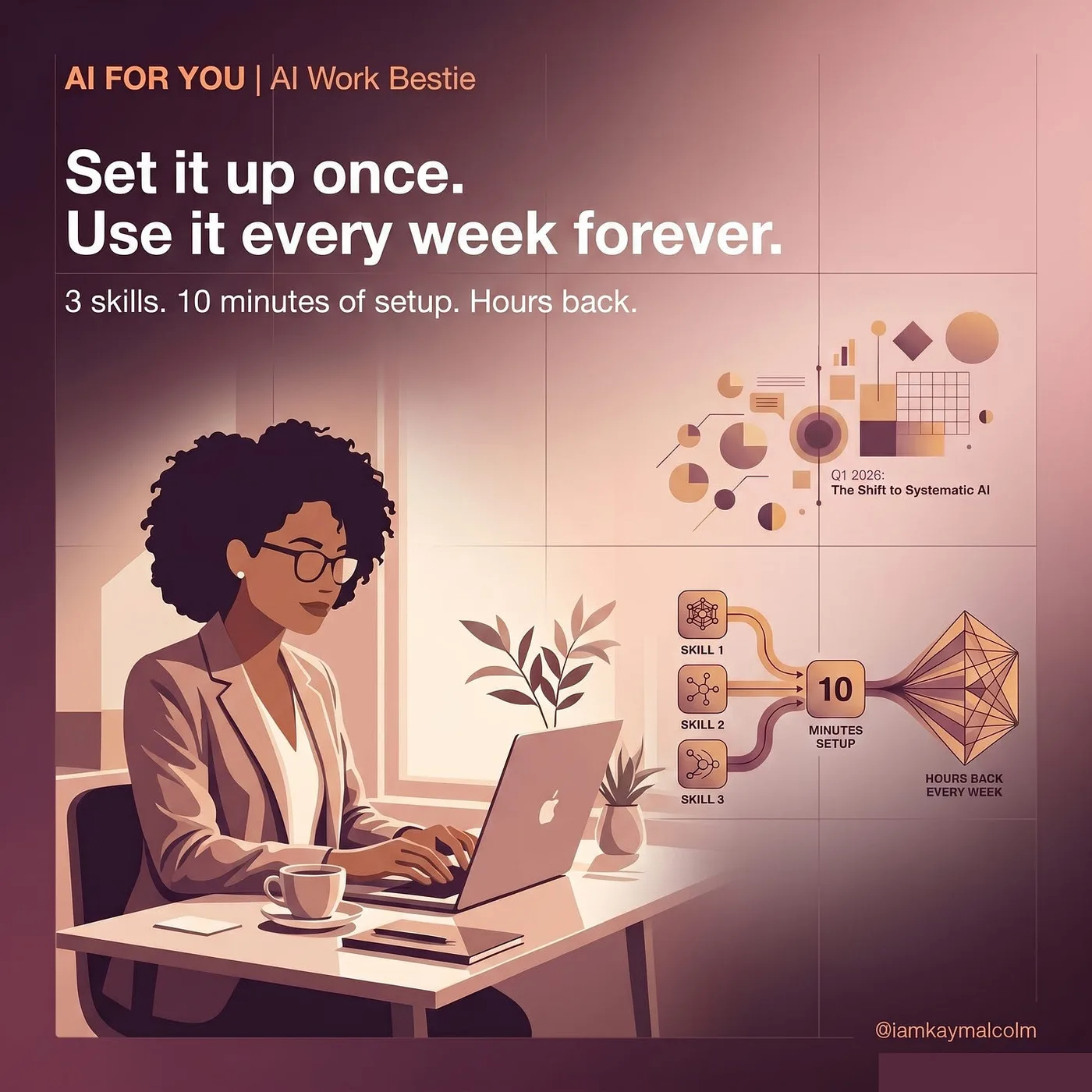
Skill 01: The Weekly Brief | 15 min setup
This is the first skill worth building if you write any kind of recurring status update or project brief for your manager (or if you don’t and you really should because your boss doesn’t know what you do unless you tell them). Type one word Monday morning and have a polished brief done before your first meeting.
You are helping me write my weekly project brief.
My role is [your role]. My current project is [project name and one sentence of context].
My manager prefers [bullets/narrative/short email format].

Every time I use this skill, ask me the three questions below or pull the information from the saved markdown file located here [path to the file that you update every friday night about last week]
1. What moved forward this week?
2. What is blocked?
3. What needs a decision from leadership?

Then write a clean, professional brief I can send within 5 minutes.  Do not make this sound like AI wrote it, no em dashes, make it sound human, no AI poetry this not phrasing.  I want this to sound like me. If you don't have what you need to make it sound like me, ask me and I'll provide it. Build this as a skill, call it brief.
Skill 02: The Email Follow-Up | 10 min setup
For the follow-up email you need to send after any recurring meeting. Done in 2 minutes while the conversation is still fresh. (The amount of time I spent staring at a blank email at 5pm before I had this one, embarrassing.)
Create a skill called followup.  You are helping me write professional, warm follow-up emails after meetings.
My name is [name]. My role is [role].
My communication style is direct but warm. Never stiff. Never overly formal.

When I use this skill, ask me:
1. Who is this email going to and what is our working relationship?
2. What was the meeting about and what were the agreed next steps?
3. Is there anything I want to flag or specifically follow up on?

Then write a follow-up email I can send in under 2 minutes.
Keep it short, specific, and human.  No AI poetry, definitely NO EM DASHSES, it should sound like me and not be super verbose.
Skill 03: The Wins Summary | 20 min setup

This is the one I feel most strongly about, especially heading into Q2 reviews. Five minutes every Friday builds your performance case week by week, in language your manager can use in rooms you’re not in. This is not bragging. It’s documentation.
Build a wins skill.  You are helping me track and articulate my professional wins.
My name is [name]. My role is [role].
My team’s goals this quarter are [2-3 sentences].

When I use this skill, ask me the 3 questions below or pull it from the uploaded markdown document I pass with this skill.
1. What did I complete or move forward this week?
2. What was the business or team impact?
3. Did I use AI to deliver any of this? If so, how?

Then write a 3-5 bullet wins summary I can paste to my manager or save for my performance review.  No AI poetry, definitely NO EM DASHSES, it should sound like me and not be super verbose.

Use language that connects my work to business outcomes, not just tasks completed.  I want to come across strategic.  If you need to know more about my business, don't make it up, ask me and I will provide it.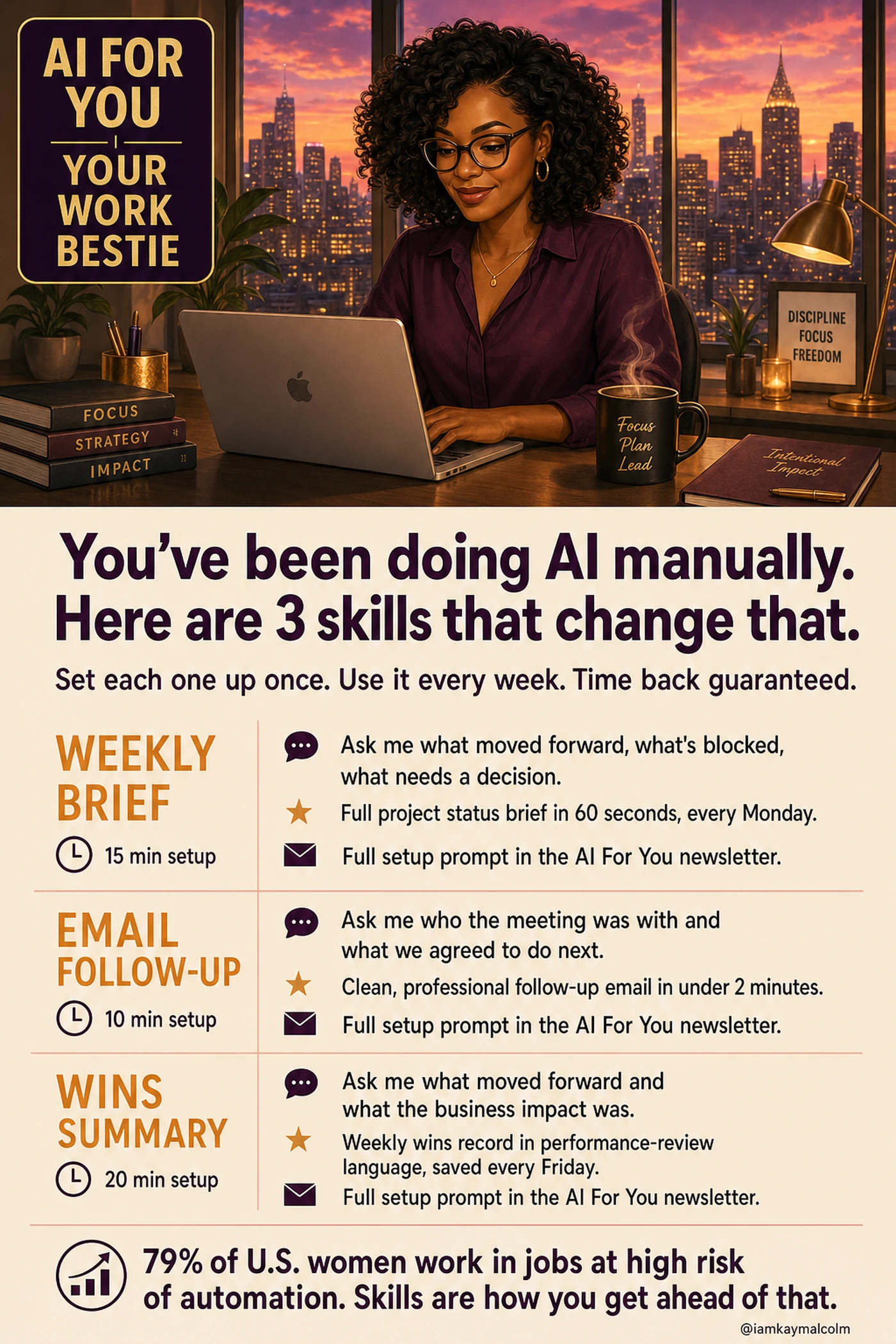
All three setup prompts in one place. Save it to your phone.
The three skills, in one place:
- The Weekly Brief: type one word Monday and get a polished status update.
- The Email Follow-Up: a warm, human recap sent in two minutes after any meeting.
- The Wins Summary: five Friday minutes that build your performance case all quarter.
Pick one of these to create this week. Just one. Build the setup prompt, fill in your context, save it somewhere you’ll find it Monday. Come tell me on LinkedIn which one you started with.
VP @ Oracle | LinkedIn Top Voice for AI | LinkedIn Learning Instructor | Views are my own
AI For You is a weekly newsletter for corporate women (and yes, the guys reading this too, welcome) navigating careers in the AI era. Real tools, real context, no tech background required.