Your AI doesn't know your company.
The single most common AI frustration I hear from professionals right now is this: the AI is brilliant, but it doesn’t know anything about my day-to-day work. You re-paste the same project brief every session. You copy-export the spreadsheet you needed three days ago. You tell it your calendar from memory because it can’t check. There is a protocol that fixes this, and two of the connections require zero IT involvement.
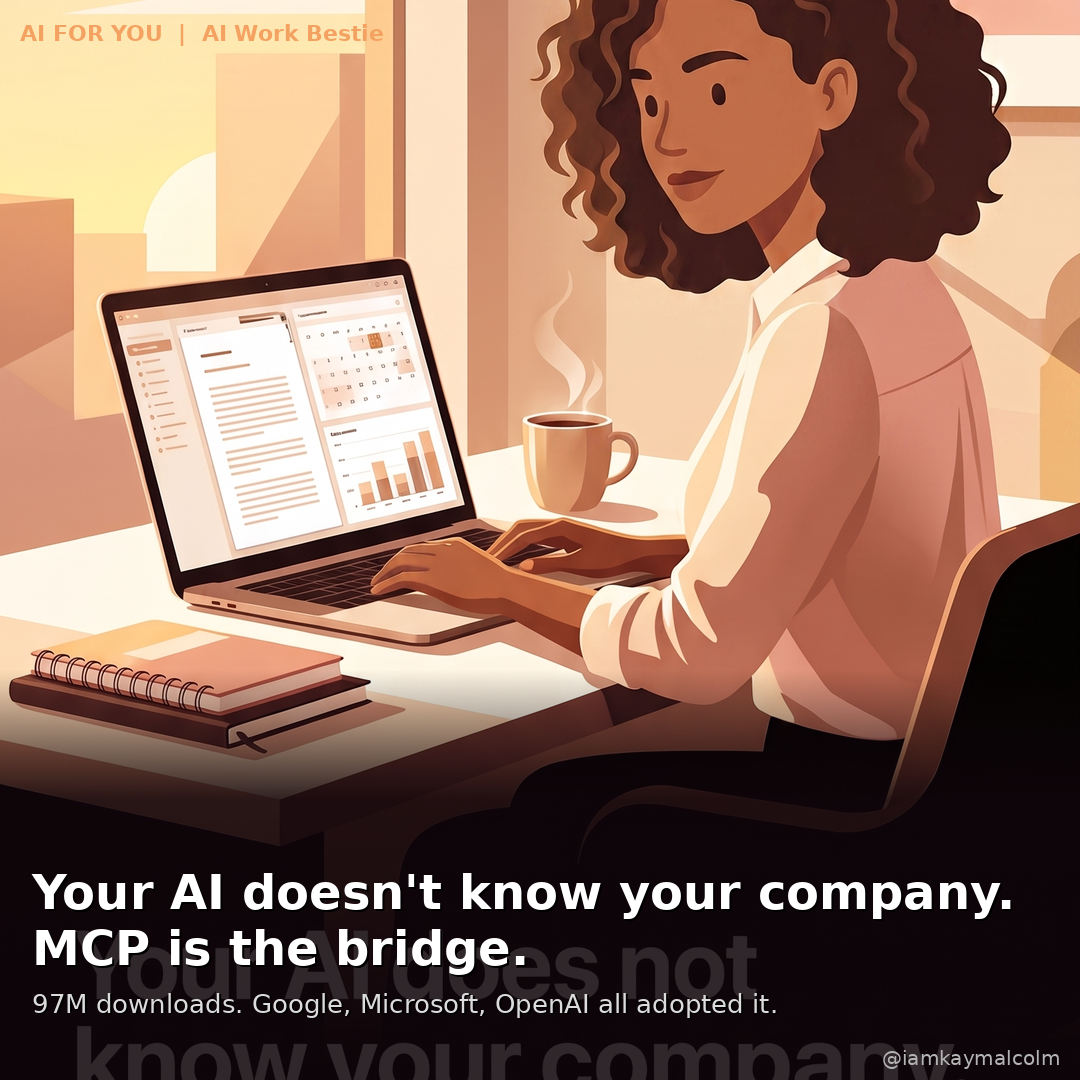
MCP fixes this and it’s the term you’ve never heard of. MCP, short for Model Context Protocol, is a standard way to connect an AI tool directly to your other apps and files, like Google Drive or your calendar, so you stop copying and pasting information back and forth. By March 2026, MCP had 97 million monthly downloads. Google, Microsoft, OpenAI, and Salesforce all adopted it. And most corporate professionals I talk to have never heard of it.
Read till the end, I connected a NotebookLM MCP server to my Claude and Codex and I can generate a beautiful infographic in minutes without ever logging into NotebookLM and sitting and waiting. Gamechanger.
Move 01: Connect Your AI to Google Drive | 2 min
Open your AI settings. Navigate to Connected Apps or Integrations. Connect Google Drive.
That is the whole step. Your AI can now read your Docs, Sheets, and files directly when you give it permission. No more pasting document content into the chat window. You say “review my Q2 plan doc” and it reads it.

The technical name for what makes this work in Claude: MCP. Model Context Protocol. The standard that lets AI tools connect to external systems in a structured, secure way. Anthropic developed it. OpenAI, Google, and Microsoft are now co-sponsors. By March 2026, it had 97 million monthly downloads. This is infrastructure, not a trend.
Move 02: Connect Your AI to Google Calendar | 2 min
Same Connected Apps section. Same two minutes.
Once connected, your AI checks your real schedule. It can draft invites around what’s blocked, suggest meeting times that work, and build a weekly plan without you narrating your calendar from memory.
(This sounds small. It isn’t. The amount of calendar context people re-provide manually every single week is staggering.)
Move 03: AI + Your Company Data | Bring This to IT
This one requires your IT team, which means it’s the conversation worth preparing for.
If your company runs Oracle or another enterprise database, IT can connect it to your AI assistant using an MCP server. The result: you ask plain-English questions about live company data and get real answers but your data is secure (and its less token use).
“Show me all vendor contracts expiring in the next 90 days.” “What’s our Q3 pipeline as of today?”
Not a data export from last Tuesday. Live data.
The question to bring to IT: “Do any of our AI tools use MCP connectors? Which systems are connected?” If yes: find out what’s available to you now. If no: ask to be part of the pilot. MCP is on every enterprise AI procurement roadmap for 2026, and this question puts you ahead of the conversation, not behind it. My buddy Jeff Smith and his team created an Oracle SQLcl MCP server that is bad ass. It understands Oracle, your security and prevents agents connecting to it from going ape on company data.
Move 04: Connect NotebookLM to Your AI | The Fun One
This is the one I could not wait to tell you about.
I connected a NotebookLM automation tool directly to my Claude Code environment. What that means in practice: I type one command (or describe what I want in plain English) and Claude generates a full infographic, podcast, or slide deck from any article or document. Without logging into NotebookLM. Without clicking through the interface. Without sitting there waiting on the web UI to load.
“Generate a square infographic from this article.” It runs. I walk away and come back and get a .png on my computer.
The tool is called notebooklm-py, an open-source Python library that gives you full programmatic access to NotebookLM, including things the web UI doesn’t even expose. You can export quizzes as JSON, download slide decks as editable .pptx files, and run the full generation workflow from a single sentence in plain English.
To set it up yourself:
pip install notebooklm-py
notebooklm login
notebooklm skill install
The login step opens your browser for Google OAuth one time. After that, authentication is automatic and persistent. The skill install step wires it into Claude Code so the AI can drive the whole workflow.
From that point on you just say what you want: “make an infographic from this URL,” “create a podcast about my research notes,” “generate a quiz from this document.” Claude handles the notebook creation, source ingestion, artifact generation, and download. Every infographic you’ve seen in my last several newsletters was generated this way: no web UI, no manual steps, no waiting with a browser tab open.

Requires Python 3.8+, Claude Code, and a Google account. That’s the whole setup. I probably should do a whole post on just this one. Come tell me on LinkedIn if you want it.
Still confused? Let’s talk about what MCP is.
What is MCP (Model Context Protocol)?
MCP stands for Model Context Protocol. Here is the simplest way I know to explain it:
Without MCP, your AI knows the internet.
With MCP, your AI knows your company.
Your calendar. Your documents. Your CRM. Your internal databases. MCP is the bridge between the AI model and the work you do every day. Instead of copying and pasting your project status into ChatGPT, an MCP-connected AI reads it directly. Instead of describing your calendar to Claude, it can look at it.
The reason this matters right now: one universal standard now exists across every major AI platform. That means your AI and your company’s tools are starting to speak the same language. And it changes what “using AI at work” looks like: not someday, but today.
What you can connect today (no IT required)
Open Claude.ai or ChatGPT and go to Settings. Look for Connected Apps or Integrations.
The two connections worth making first:
Your AI + Google Drive. Once connected, your AI can read your Docs, Sheets, and Drive files directly. Stop copying and pasting documents into the chat window. Ask a question. It looks at your real files.
Your AI + Google Calendar. Connect it and your AI can check your real schedule before suggesting meeting times, drafting calendar invites, or building a weekly plan around what is already blocked. “Find a 90-minute block next week for a strategy session” becomes a real answer, not a guess.
If your company uses Google Workspace, you may already have permission to connect both of these. It takes about five minutes.

The enterprise tier (this is where it gets interesting)
For the corporate professionals who want to go further: MCP also works with enterprise databases.
I use the Oracle SQLcl MCP server connected to my Oracle AI Database. What that means in practice is that I can ask plain-English questions about my own data and get real answers, no SQL required.
“Show me all vendor contracts expiring in the next 90 days.” Answered from the live database, not from a spreadsheet someone exported last week.
If your company runs Oracle, SQL Server, or another enterprise database, your IT team can connect it to your AI assistant using an MCP server. It is a configuration project, not a build-from-scratch project. The standard now exists. The question is whether your team has deployed it.
This week, make one connection. Google Drive if you have it. Google Calendar if you don’t. Pick the one that will stop the most copy-pasting in your current week.
Come tell me on LinkedIn which one you connected first. I read every message.
VP @ Oracle | LinkedIn Top Voice for AI | LinkedIn Learning Instructor | Views are my own
AI For You is a weekly newsletter for corporate women (and yes, the guys reading this too, welcome) navigating careers in the AI era. Real tools, real context, no tech background required.